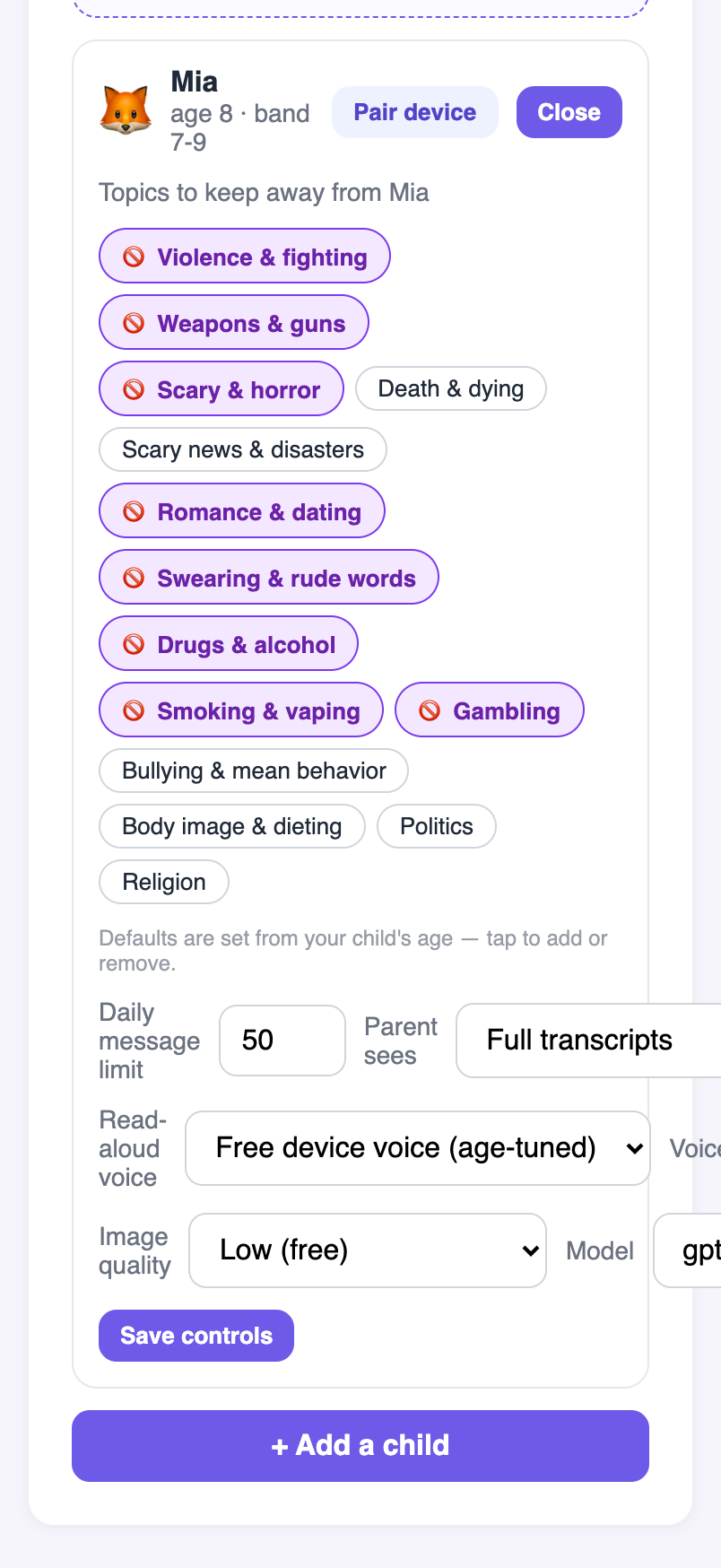
Every message your child sends and every reply they get is screened for safety first. You set the rules; anything borderline waits for your OK.
A safety layer, not a substitute for your involvement. Minu supports supervision — it doesn't replace a parent's judgment.
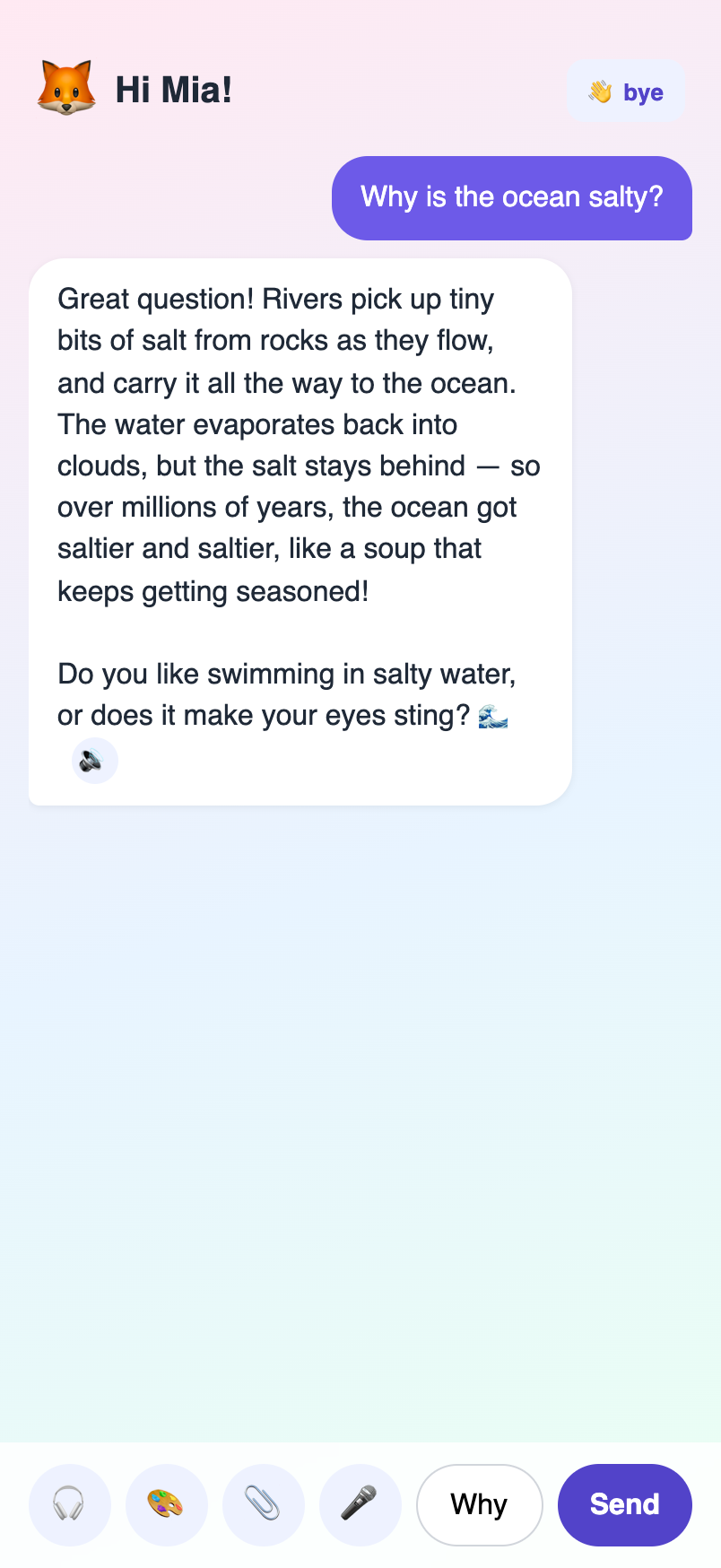
A warm, age-tuned AI companion — wrapped in a safety pipeline and parent controls you actually run.
A safety guard reads each message and answer before your child sees it. Anything borderline is held for your approval.
Pick topics to keep away (pre-filled by age), daily chat and picture limits, the read-aloud voice, and full transcripts or summaries.
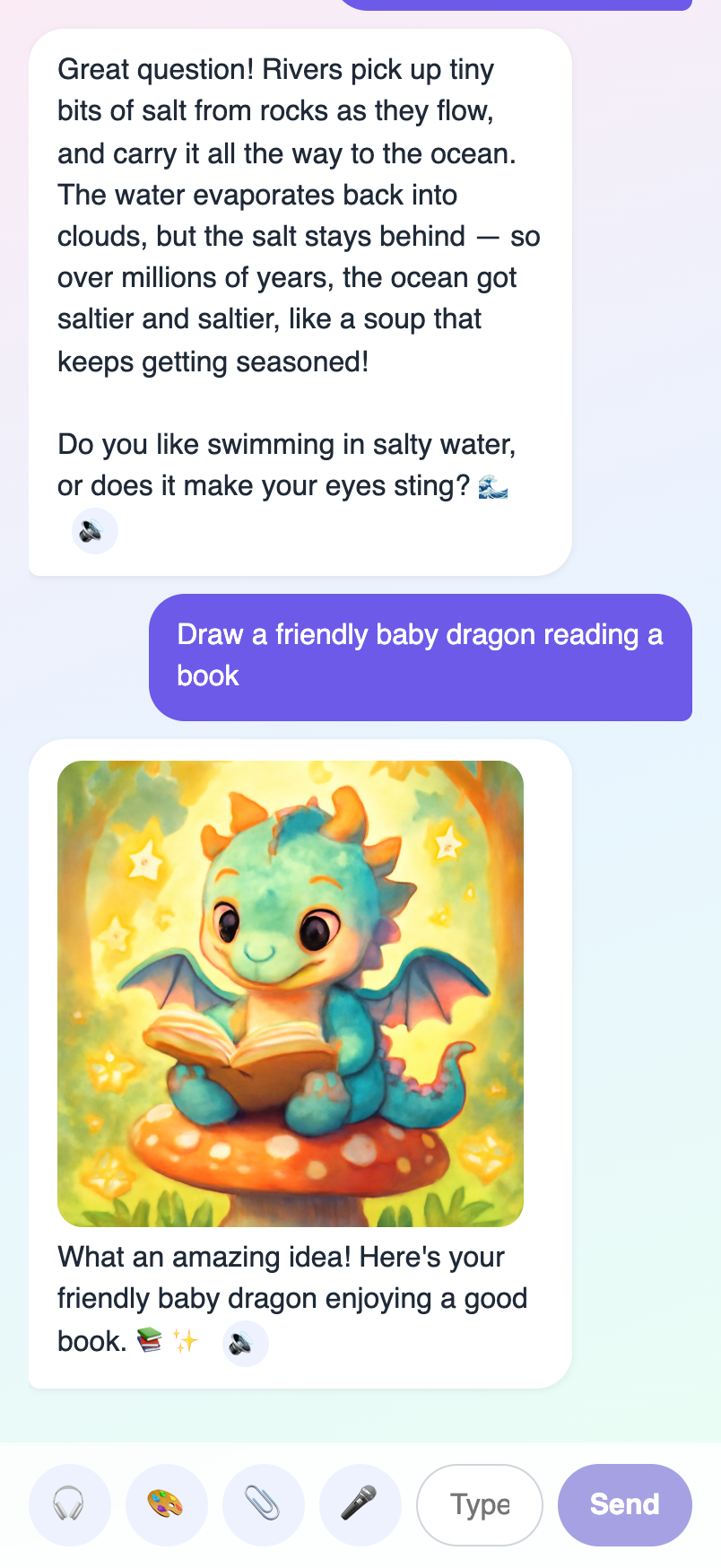
Homework help, stories, fun facts, kid-safe pictures on request, plus hands-free voice and read-aloud — all age-tuned.


Point your camera at the code, or use the buttons below.
Tap Download for Android, open the file, allow install from this source, then open Minu.
Download for AndroidOpen the web app in Safari → Share → Add to Home Screen. It runs full-screen like an app.
Open in SafariCreate a free parent account, add a child profile, then pair their device with a one-time code + PIN.